Try WPReturns on a live store
The demo is a WooCommerce store running WPReturns Pro. Play the customer on the storefront. Then switch to wp-admin and handle the same request from the other side.
Four things to try
- 01
Start a guest return
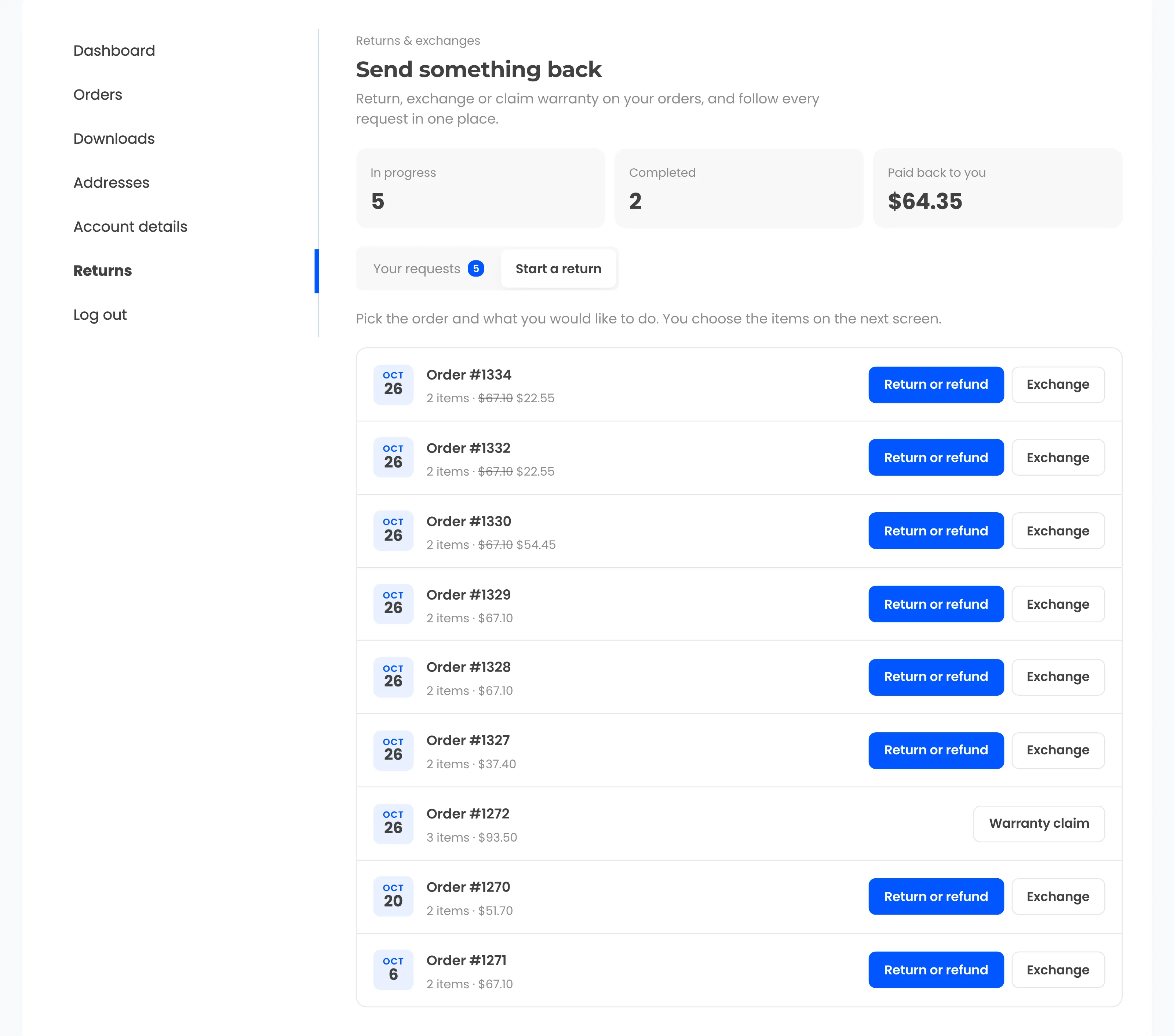
Open the Returns page, find an order with its number and email, pick items, a reason and store credit.
- 02
Withdraw from a contract
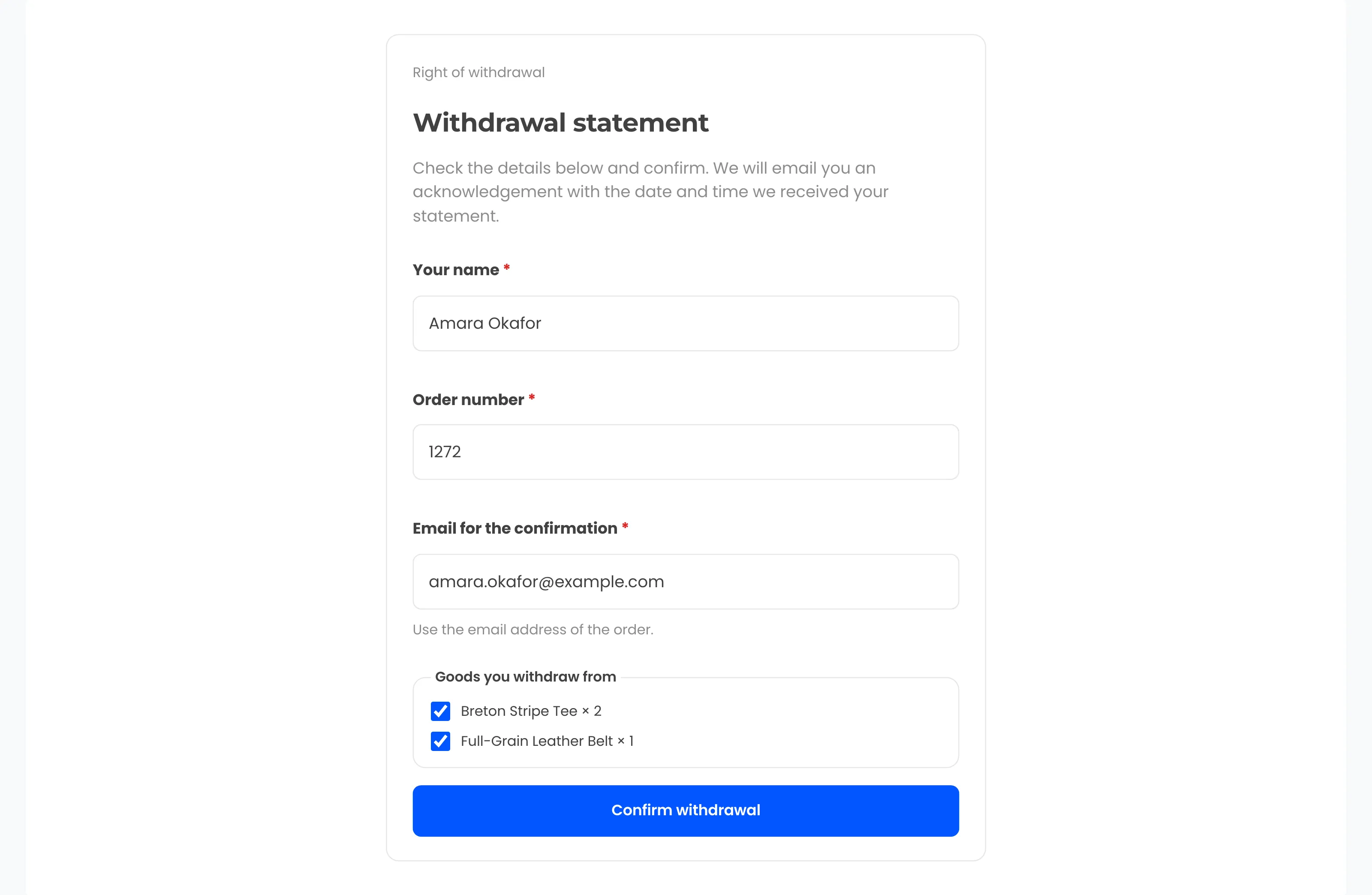
Use the "Withdraw from contract here" link in the footer and confirm the statement. Watch for the acknowledgement.
- 03
Handle it in wp-admin
Approve the request, create or upload a label, mark it received and resolve it as credit, refund or exchange.
- 04
Read the numbers
Open the dashboard for return rate, revenue kept, reasons and the most returned products.
Other visitors share the demo, and everything in it is test data. Treat it as a sandbox.
What is waiting in the demo
The demo store holds dated orders and requests in every status. Imported history sits next to them.


Free plugin on wordpress.org
Run the same flow on your own store
Start with the free plugin and the EU withdrawal button. Move to Pro from $99 a year when you want credit, exchanges and rules.