WooCommerce returns for electronics stores
WooCommerce returns for electronics stores mix everyday returns with warranty claims that arrive months after the sale. WPReturns tracks warranty per product and sells extended warranties on the product page. It can require a note for the serial number and flags high-value or repeat returns.

What makes returns hard here
- 01
Warranty claims arrive by email
A customer writes in eight months later about a fault. You dig up the order, check the warranty length and ask for photos over several emails.
- 02
Serial numbers go missing
Without the serial number you can't check the unit with your supplier. Asking for it later adds another round of email.
- 03
High-value returns carry more risk
One returned laptop is worth more than a box of returned cables. Swapped parts and used units need a closer look before any refund.
- 04
Extra cover sold by hand
Selling an extra year of warranty often means a separate product and a manual note. The terms can drift from what the customer bought.
How to set up WooCommerce returns for electronics
Set warranty per product
Give each product or variation no warranty, lifetime cover or a set number of days, months or years. The terms are saved with each order. Claims check expiry automatically.
Warranty claimsSell extended warranty
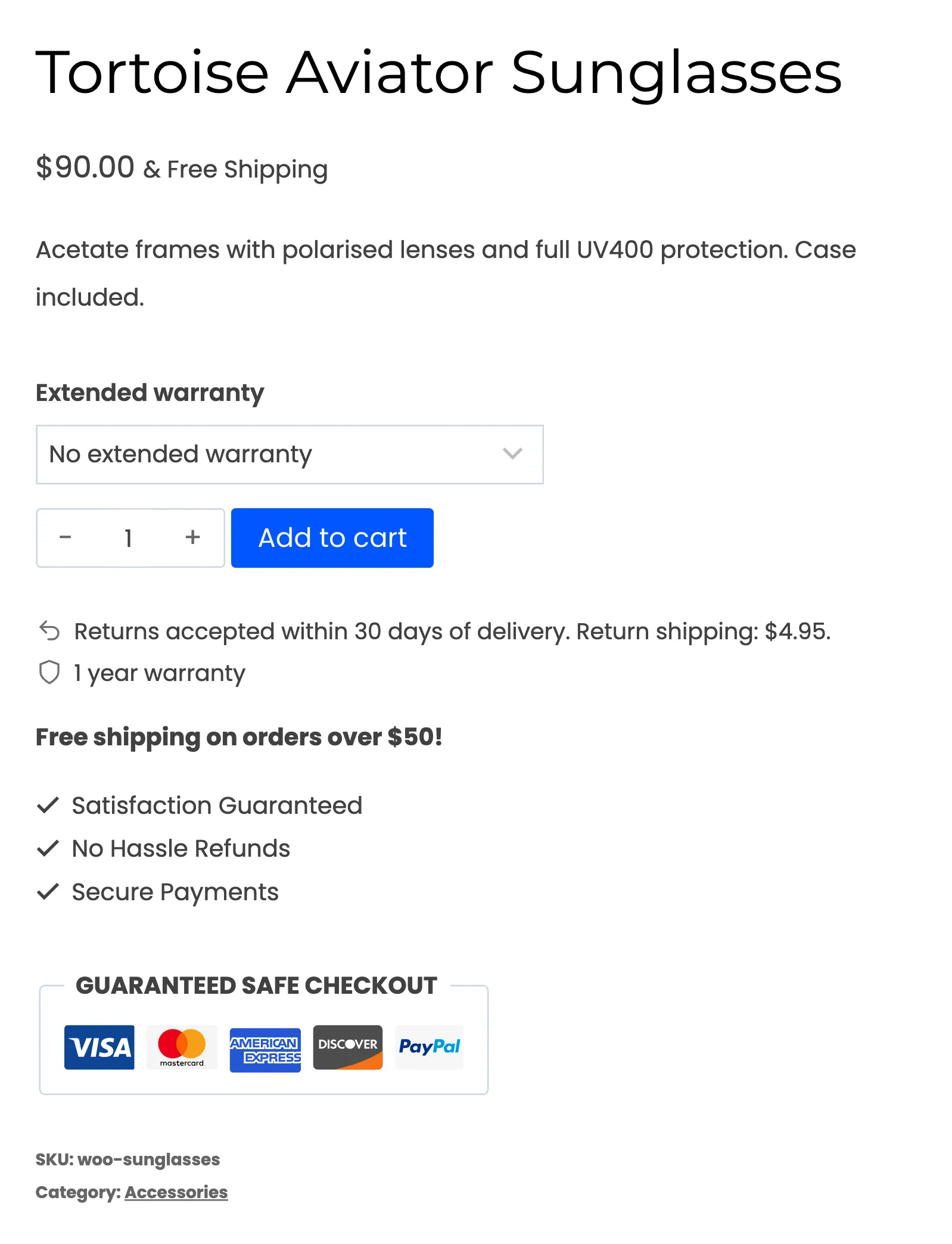
Add terms such as 2 years for a set price on the product. Shoppers pick one on the product page and pay for it in classic or block checkout.
Warranty claimsCollect the serial number
Require a note with every request and add a reason such as Defective with the serial number in its label. Customers attach photos of the fault. Staff keep internal notes on the request.
Returns portalAsk for photos above a price
A Require photos rule asks for pictures on items above an item price you set. A restocking fee rule can apply to chosen products or categories. It skips reasons marked as the store's fault.
Return rulesFlag high-value and repeat returns
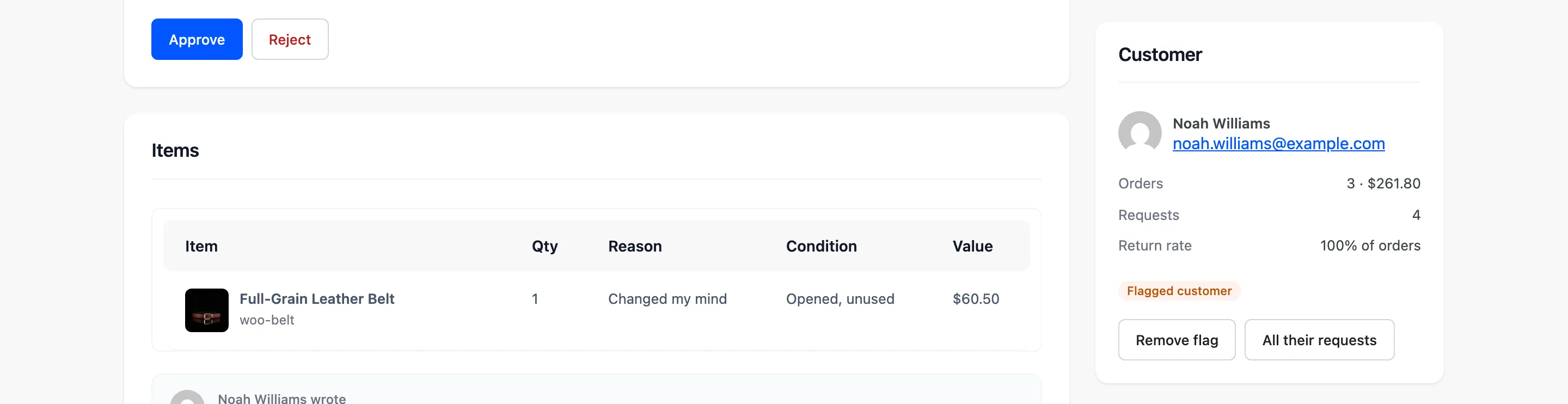
Set a high-value amount and those requests get a High value flag. Repeat returns of the same product and very quick returns are flagged too.
Fraud protection
The real screens
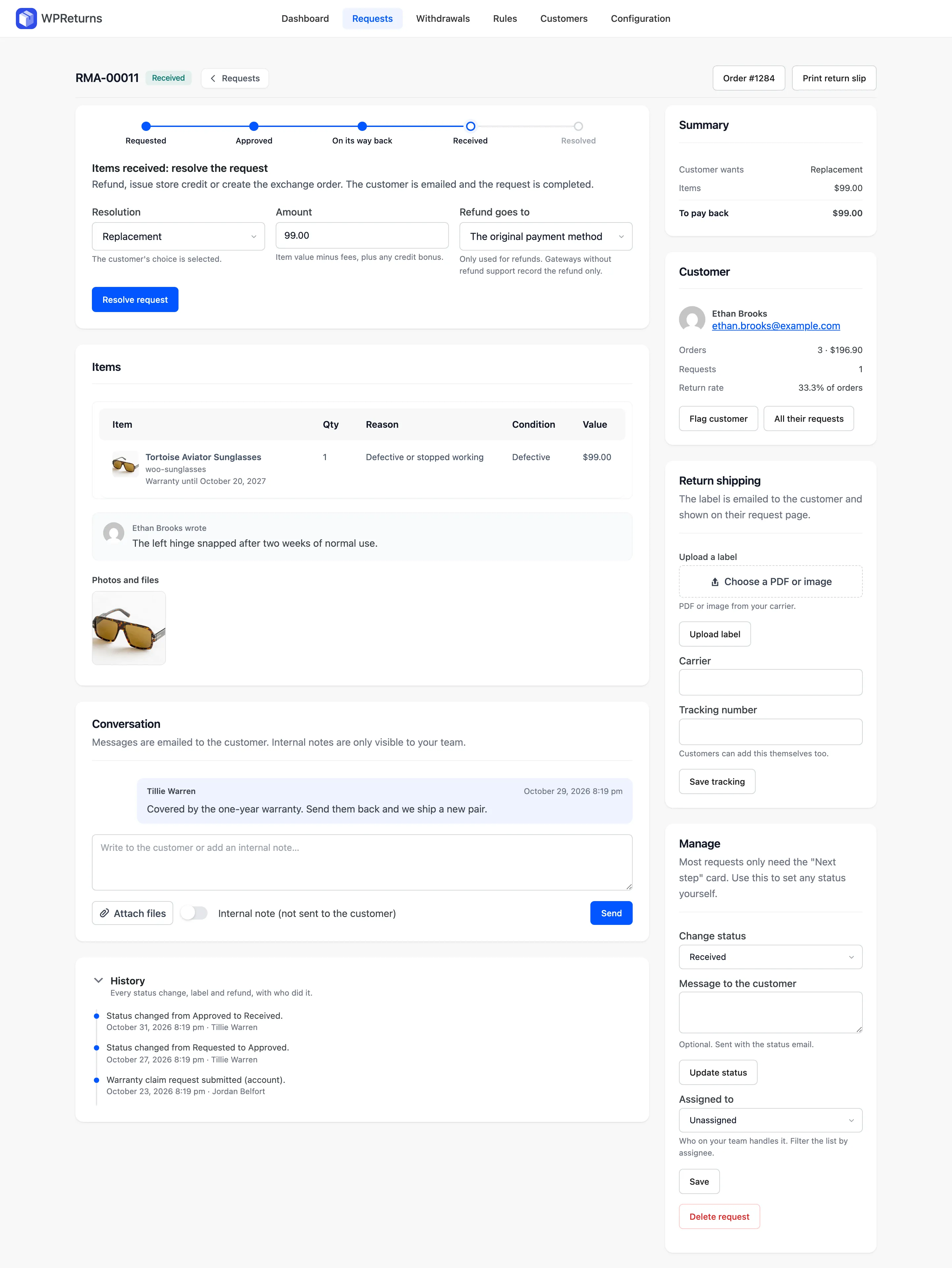
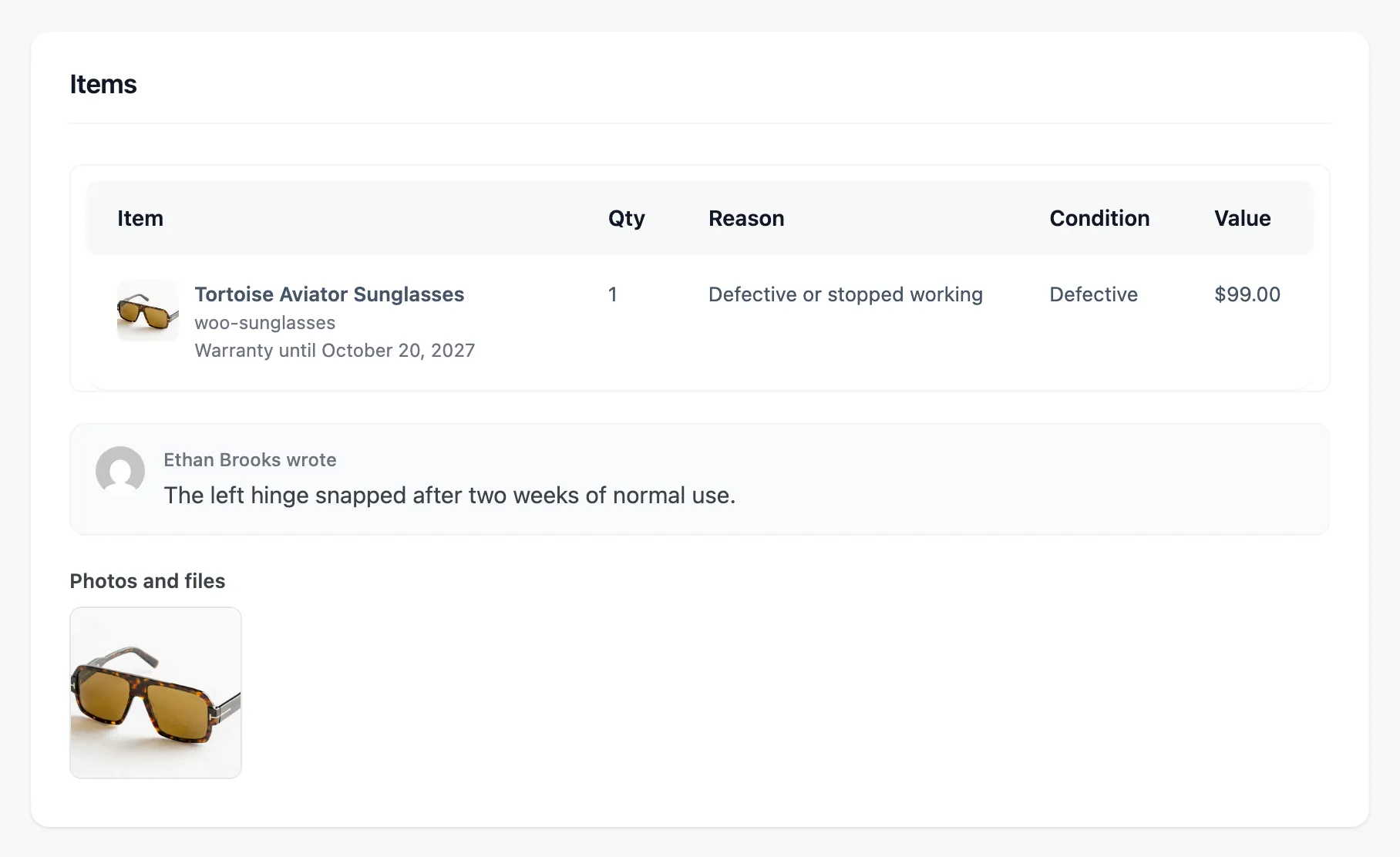
Screens from the WPReturns demo store, an apparel shop with real orders and requests.
Configure it in this order
- 1
Turn on warranty
Go to DevDiggers Plugins > WPReturns > Configuration > Warranty. Tick Track warranties and accept claims and set a default warranty length. Then tick Let customers file warranty claims on the General tab.
- 2
Set warranty on products
Edit a product and set its warranty on the General tab. Use Bulk edit for many products at once. Extended warranty terms go on the product too.
- 3
Require a note
Under Configuration > Return Policy tick Require a note with every request. Under Configuration > Reasons add a reason that asks for the serial number.
- 4
Add a photo rule
Open DevDiggers Plugins > WPReturns > Rules and add a Require photos rule. Set Item price to the value where you want proof.
- 5
Set the high-value flag
Under Configuration > Fraud Protection set High-value item to the same amount.
Electronics questions
Ask the team or read the docs if your question is not here.
How do customers file a warranty claim?
They open the order in My Account or the guest portal and choose Warranty claim. WPReturns checks that the warranty has not expired before the claim is sent.
Is there a serial number field?
There is no dedicated field. Require a note with every request and name the serial number in your reason. Your team can add internal notes to the request.
Can I repair or replace instead of refunding?
Yes. Warranty claims resolve as a repair or a replacement. A replacement creates a linked order at zero cost.
Can I charge a restocking fee on opened electronics?
Yes. A restocking fee rule takes a fixed amount or a percentage per product or category. It is never charged for store-fault reasons, warranty claims or EU withdrawals.
Does the warranty show on out-of-stock products?
Yes. The warranty line shows on the product page whether the item is in stock or not.
Is there a free version?
Yes. The free plugin handles returns, photos, refunds and the EU withdrawal button. Warranty claims, extended warranties, rules and fraud flags are part of WPReturns Pro.
Other store types
Free plugin on wordpress.org
Set up WPReturns for electronics
Start with the free plugin and the EU withdrawal button. Move to Pro from $99 a year when you want credit, exchanges and rules.