Advanced
The Advanced tab holds settings you rarely need to change. Its Uninstall option decides whether WPReturns deletes all its data when you delete the plugin. In Pro, a Developers section lists the REST API endpoints and the WooCommerce webhook topics for your other tools.
Available in: Free and Pro (the Developers section is Pro)
Where to find it
Section titled “Where to find it”DevDiggers Plugins > WPReturns > Configuration > Advanced
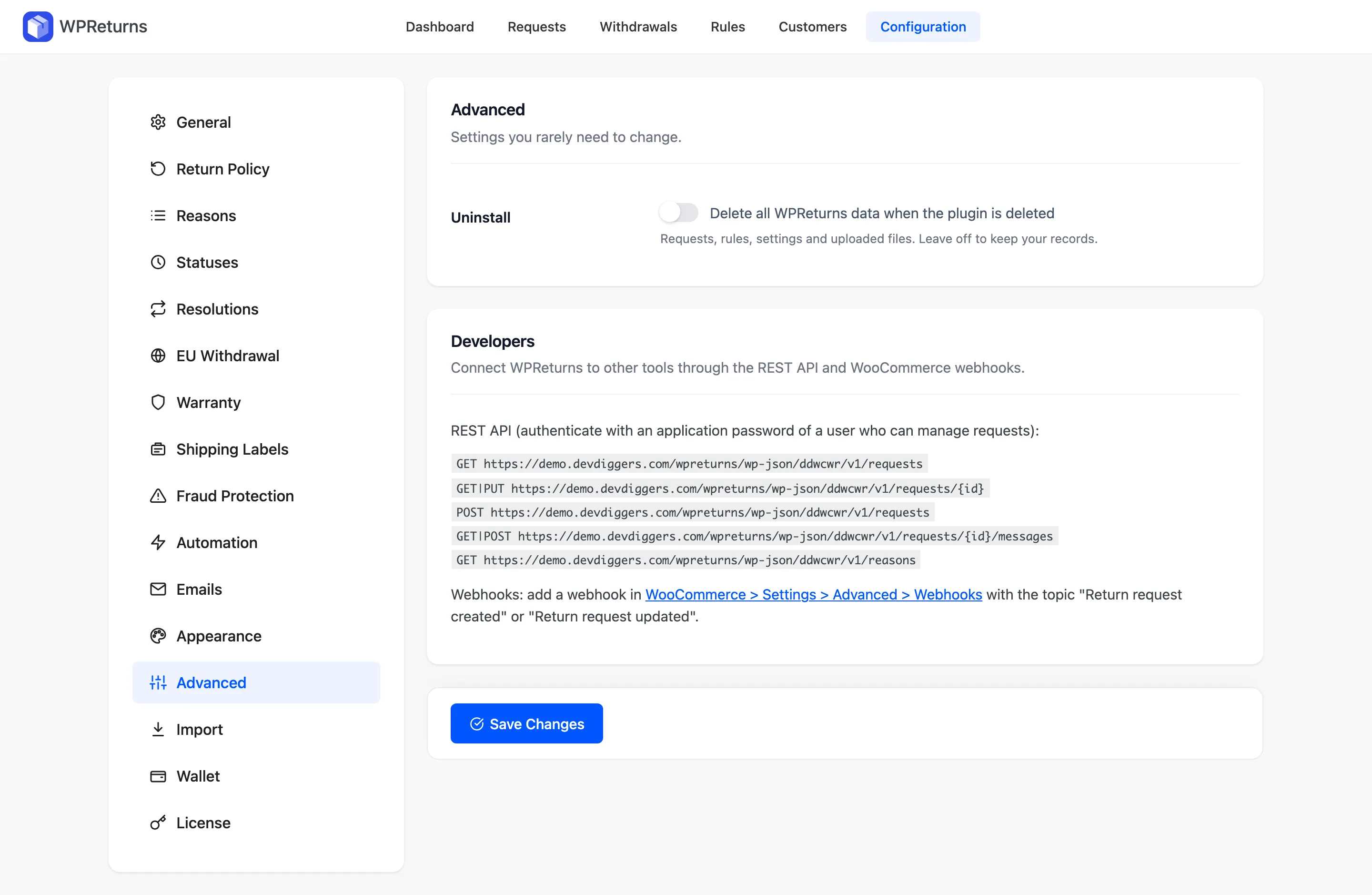
Advanced section
Section titled “Advanced section”| Field | What it does | Default |
|---|---|---|
| Uninstall | “Delete all WPReturns data when the plugin is deleted”. This covers requests, rules, settings and uploaded files. Leave it off to keep your records. | Off |
Deactivating the plugin never deletes data. Data goes only when you delete the plugin with this box ticked.
Developers (Pro)
Section titled “Developers (Pro)”The section shows the REST API base for your site. Authenticate with an application password of a user who can manage requests.
GET /wp-json/ddwcwr/v1/requestsGET|PUT /wp-json/ddwcwr/v1/requests/{id}POST /wp-json/ddwcwr/v1/requestsGET|POST /wp-json/ddwcwr/v1/requests/{id}/messagesGET /wp-json/ddwcwr/v1/reasonsFor webhooks, add one under WooCommerce > Settings > Advanced > Webhooks. Pick the topic “Return request created” or “Return request updated”.
Full details are in the REST API and Webhooks docs.