Resolutions
The Resolutions tab decides what a customer gets back and how it is paid. Every store sets gateway refunds and restocking here. Pro adds exchanges, return shipping fees for each resolution and store credit as a coupon or Wallet balance with an optional bonus.
Available in: Free and Pro (Store credit, Exchanges and return shipping fees are Pro)
Where to find it
Section titled “Where to find it”DevDiggers Plugins > WPReturns > Configuration > Resolutions
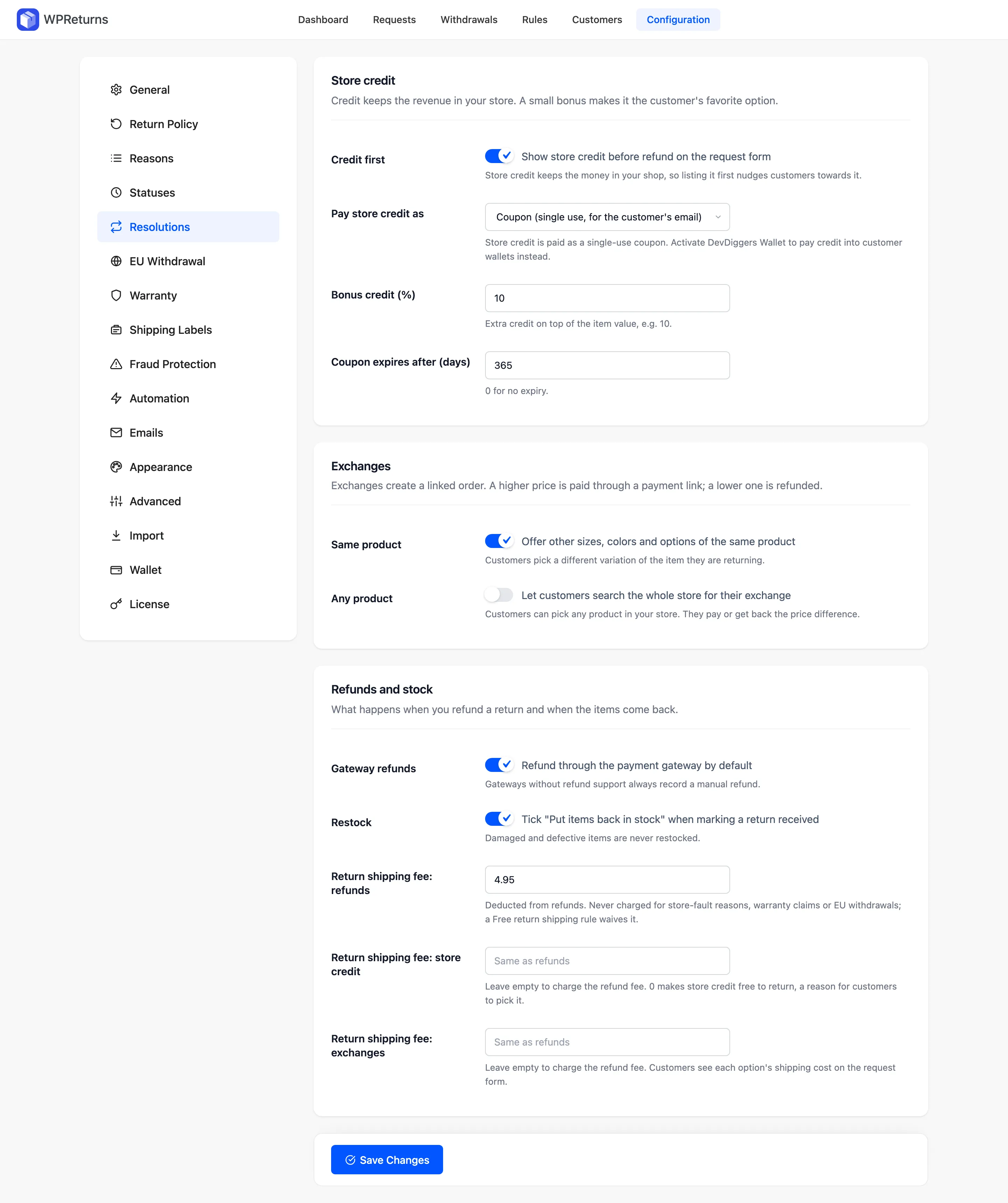
Store credit (Pro)
Section titled “Store credit (Pro)”Credit keeps the revenue in your store. A small bonus makes it more attractive than a refund.
| Field | What it does | Default |
|---|---|---|
| Credit first | “Show store credit before refund on the request form”. Listing credit first nudges customers toward it. | On |
| Pay store credit as | “Coupon (single use, for the customer’s email)” or “DevDiggers Wallet balance (account holders)”. The Wallet option shows only when DevDiggers Wallet is active. You can still pick per request. | Coupon |
| Bonus credit (%) | Extra credit on top of the item value. For example, 10. | 0 |
| Coupon expires after (days) | 0 for no expiry. | 365 |
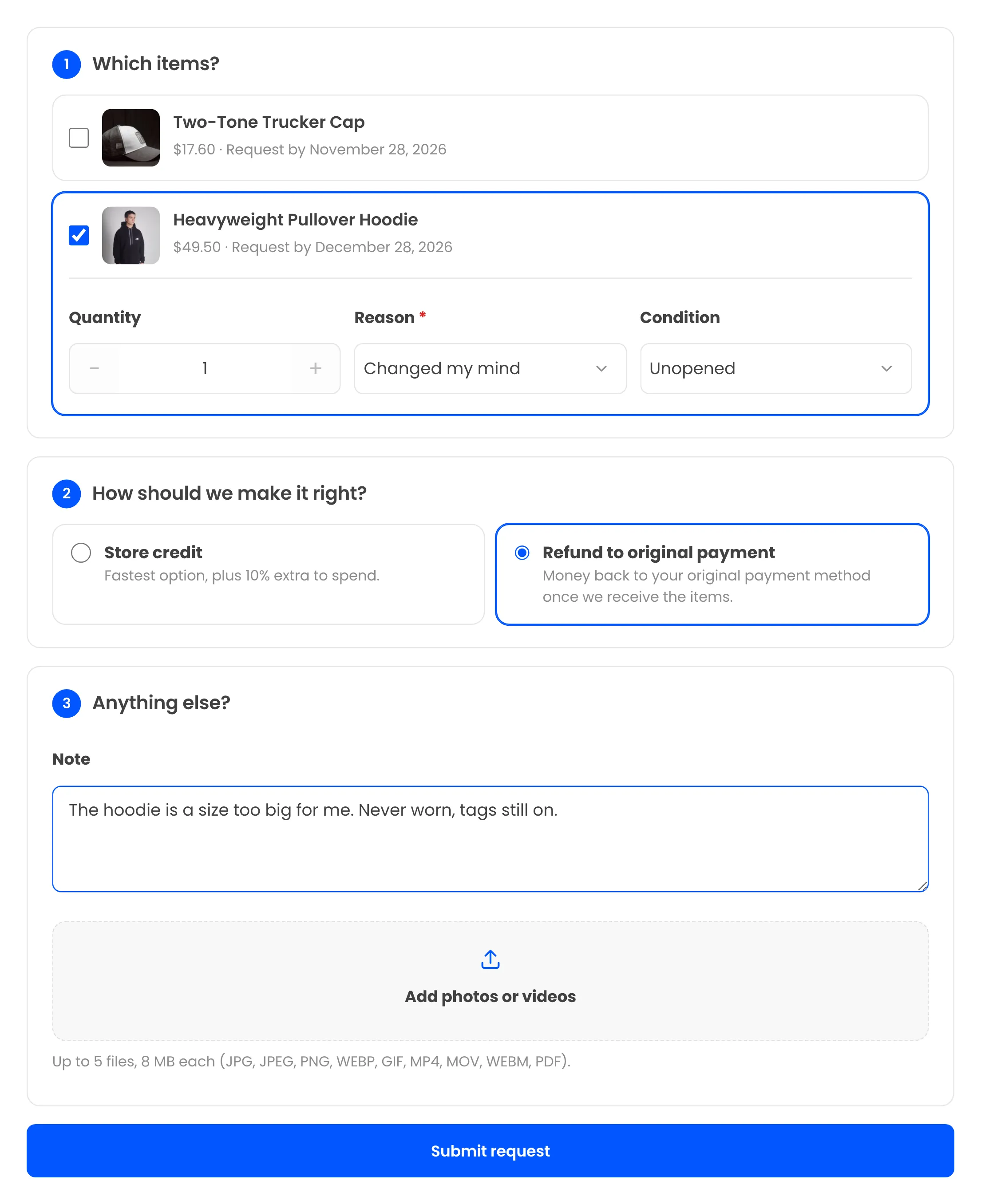
With a bonus set, the request form shows it on the store credit option. With Credit first on, store credit comes before the refund.
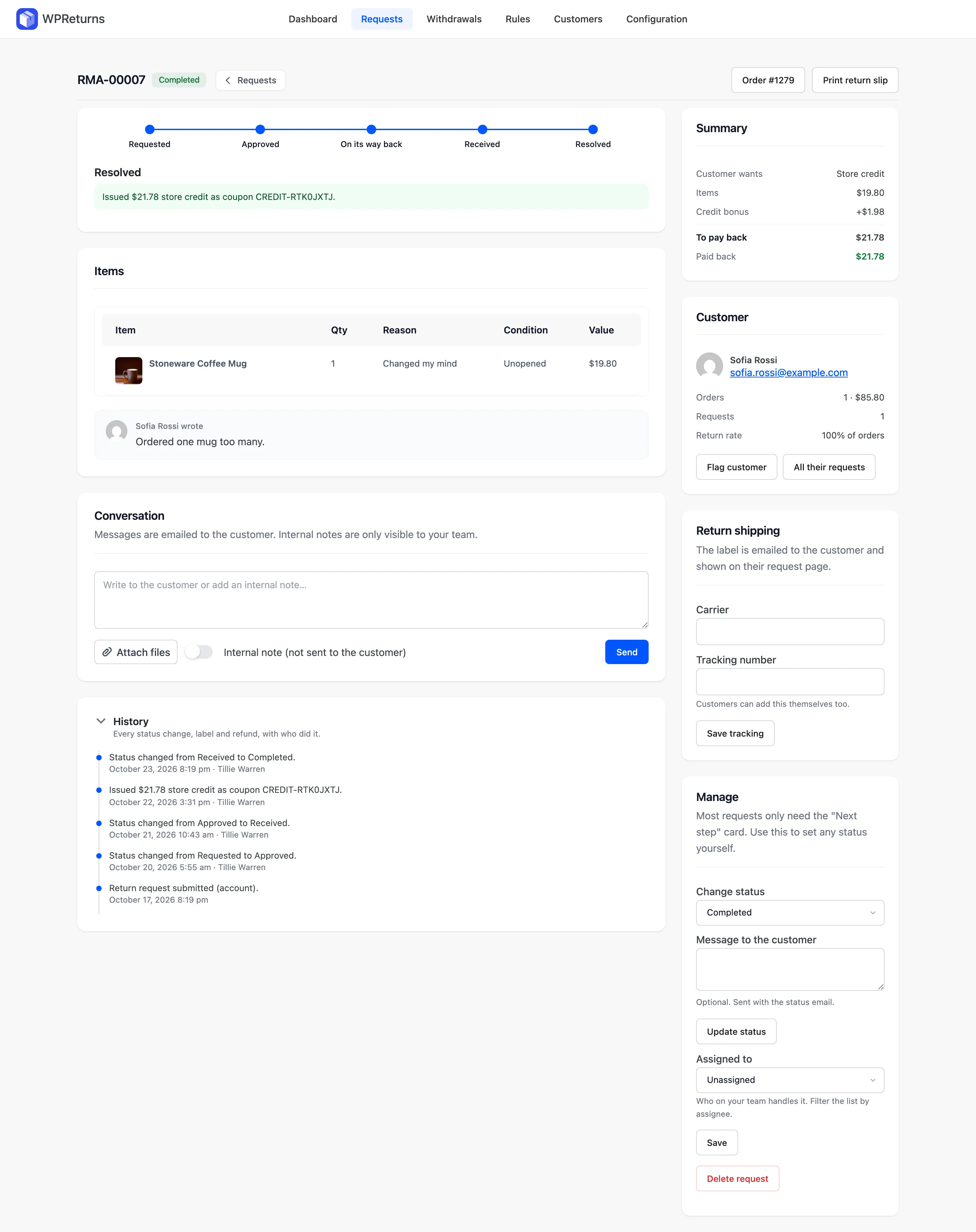
When you resolve a request with store credit, the request screen shows the coupon code and the bonus.
Exchanges (Pro)
Section titled “Exchanges (Pro)”Each exchange creates a linked order. A higher price is paid through a payment link. A lower price is refunded.
| Field | What it does | Default |
|---|---|---|
| Same product | “Offer other sizes, colors and options of the same product”. The customer picks another variation. | On |
| Any product | “Let customers search the whole store for their exchange”. They pay or get back the price difference. | Off |
Customers see the Exchange option only when Same product or Any product is on. With both off, the request form offers no exchange.
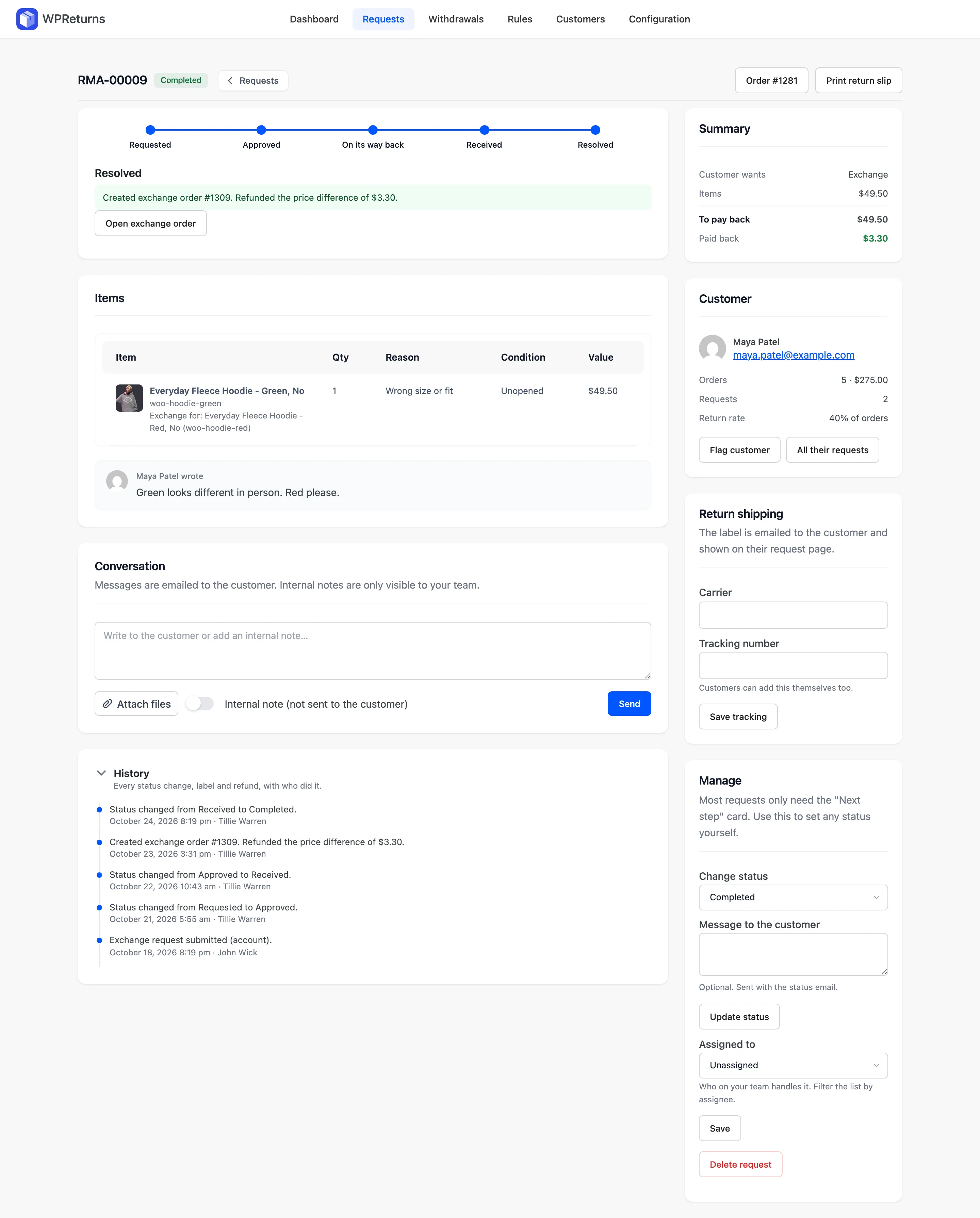
A resolved exchange links to its new order. A lower price is refunded and shows in the history.
Refunds and stock
Section titled “Refunds and stock”What happens when you refund a return and when the items come back.
| Field | What it does | Default | Plan |
|---|---|---|---|
| Gateway refunds | “Refund through the payment gateway by default”. Gateways without refund support always record a manual refund. You can choose per request. | On | Free and Pro |
| Restock | Ticks “Put items back in stock” when you mark a return received. Damaged and defective items are never restocked. | On | Free and Pro |
| Return shipping fee: refunds | Deducted from refunds. | 0 | Pro |
| Return shipping fee: store credit | Leave empty to charge the refund fee. Enter 0 to make store credit free to return. | Same as refunds | Pro |
| Return shipping fee: exchanges | Leave empty to charge the refund fee. Customers see each option’s shipping cost on the request form. | Same as refunds | Pro |
Return shipping fees are never charged for store’s-fault reasons, warranty claims or EU withdrawals. A Free return shipping rule waives them.
Example
Section titled “Example”A store sets these values:
Return shipping fee: refunds 5.00Return shipping fee: store credit 0Return shipping fee: exchanges (empty)Bonus credit (%) 10Jane Cooper returns a $50 jacket from order #1042. A refund pays her $45, and store credit pays her $55 with no fee. An exchange charges the $5 refund fee.