Return Policy
The Return Policy tab sets the default return window and counts it from delivery or from purchase. It also marks final-sale categories, controls photo and video uploads and shows the policy line on product pages and at checkout. Rules in Pro can override the window for some products.
Available in: Free and Pro
Where to find it
Section titled “Where to find it”DevDiggers Plugins > WPReturns > Configuration > Return Policy
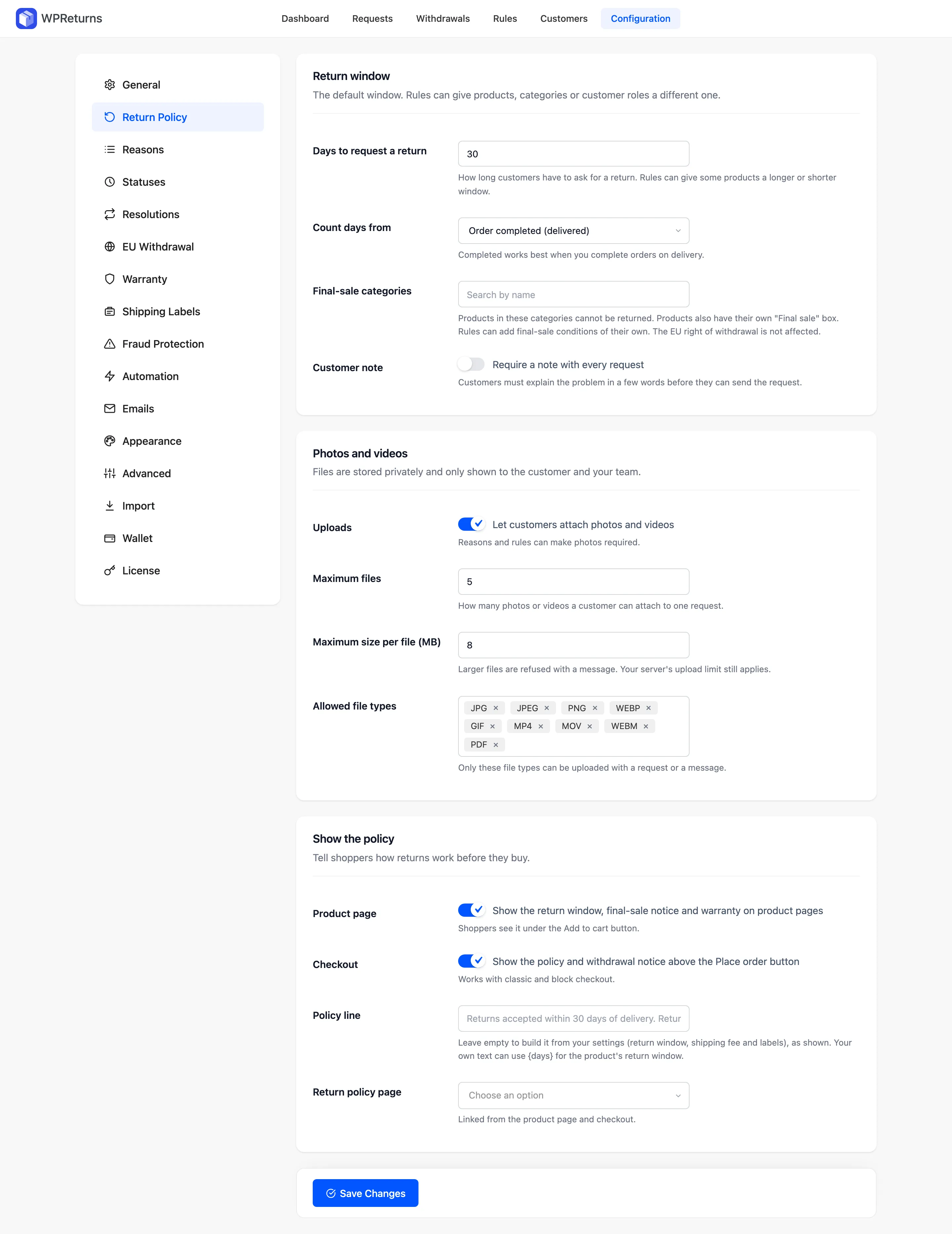
Return window
Section titled “Return window”| Field | What it does | Default |
|---|---|---|
| Days to request a return | How long customers have to ask for a return. Items outside the window can no longer be picked on the return form. | 30 |
| Count days from | “Order completed (delivered)” or “Order placed”. Completed works best when you complete orders on delivery. | Order completed (delivered) |
| Final-sale categories | Products in these categories cannot be returned. The EU right of withdrawal is not affected. | None |
| Customer note | “Require a note with every request”. Customers must explain the problem in a few words before they can send the request. | Off |
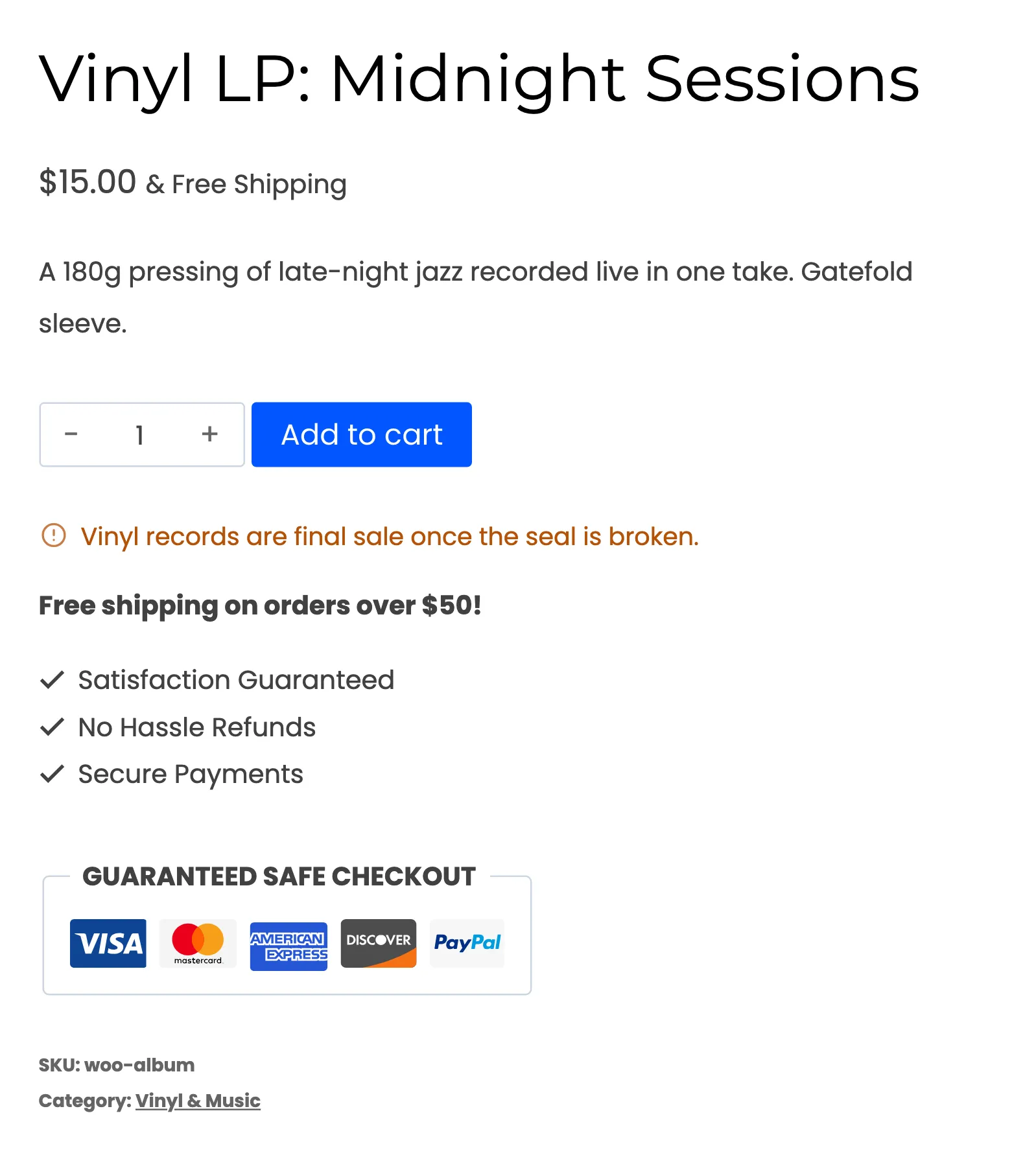
Each product also has its own Final sale box on the General tab of the product editor. In Pro, rules can add final-sale conditions by item price, order total or customer. A final-sale product shows its notice under the Add to cart button.
Photos and videos
Section titled “Photos and videos”Files are stored in a private folder. Only the customer and your team can see them.
| Field | What it does | Default |
|---|---|---|
| Uploads | “Let customers attach photos and videos”. Reasons marked “Photo required” ask for at least one. In Pro, rules can also require photos. | On |
| Maximum files | How many photos or videos a customer can attach to one request. | 5 |
| Maximum size per file (MB) | Larger files are refused with a message. Your server’s upload limit still applies. | 8 |
| Allowed file types | Only these file types can be uploaded with a request or a message. | jpg, jpeg, png, webp, gif, mp4, mov, webm, pdf |
Show the policy
Section titled “Show the policy”Tell shoppers how returns work before they buy.
| Field | What it does | Default |
|---|---|---|
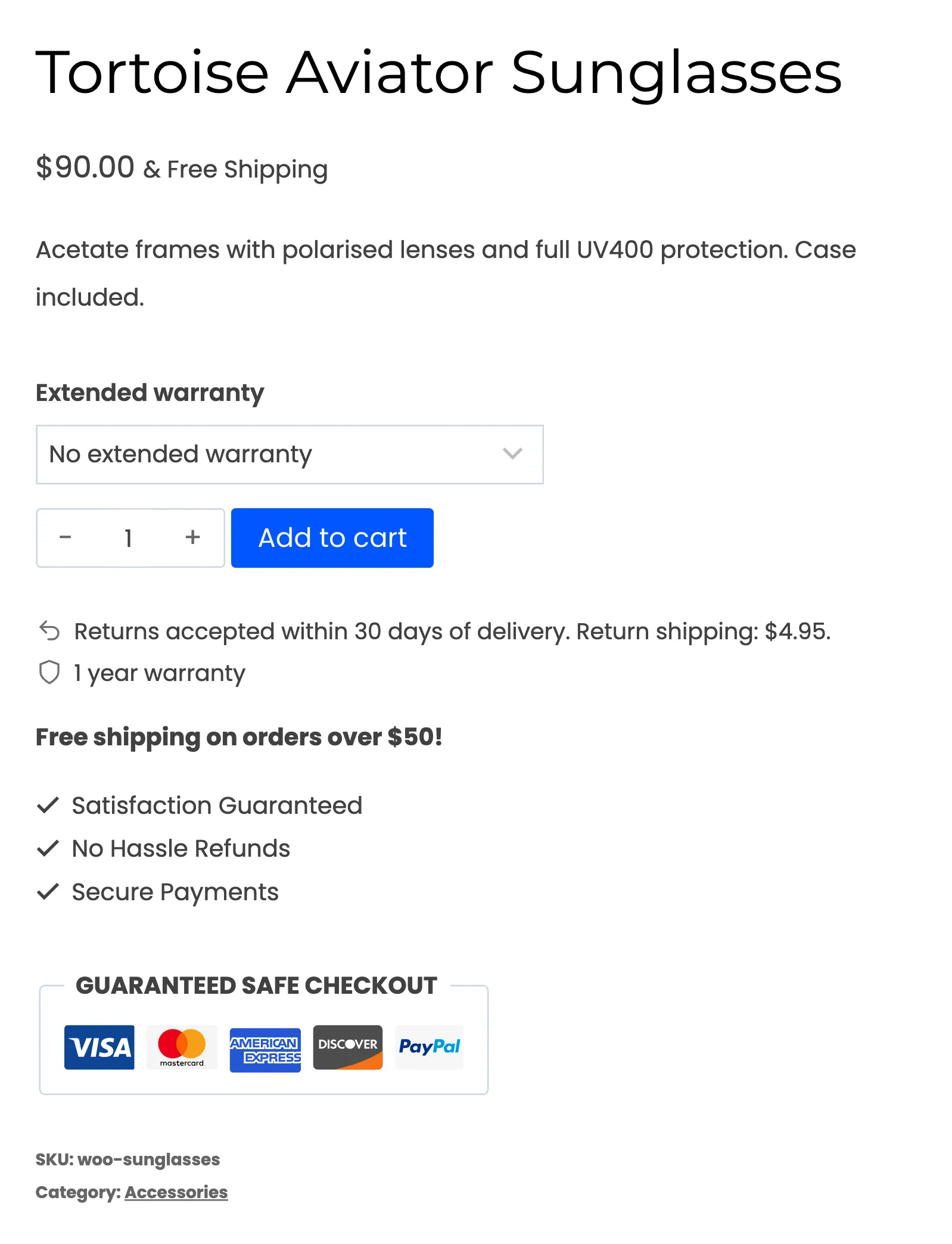
| Product page | “Show the return window, final-sale notice and warranty on product pages”. Shoppers see it under the Add to cart button. The final-sale notice and the warranty are Pro. | On |
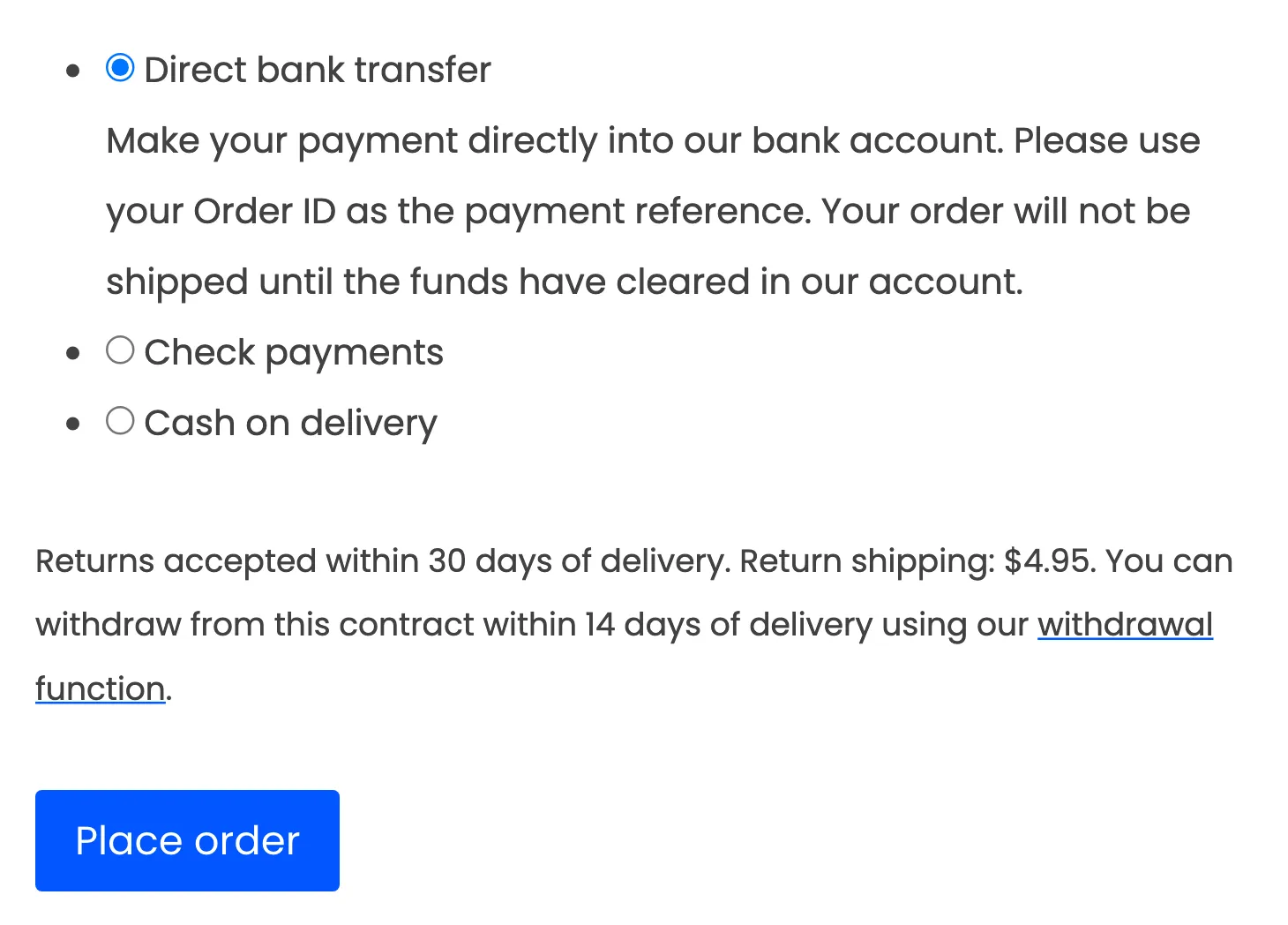
| Checkout | “Show the policy and withdrawal notice above the Place order button”. Works with classic and block checkout. | On |
| Policy line | Your own policy text. Leave it empty to build the line from your settings (return window, shipping fee and labels). Use {days} for the product’s return window. | Empty |
| Return policy page | A page linked from the product page and checkout. | None |
Examples
Section titled “Examples”With the defaults, an empty Policy line reads:
Returns accepted within 30 days of delivery.In Pro, the built line also names the return shipping fee when one is set. With a $4.95 fee it reads “Returns accepted within 30 days of delivery. Return shipping: $4.95.”
With no fee and EasyPost or Shippo as the label provider, it adds “Free return shipping.” To write your own line, enter something like this:
Free returns within {days} days. Sale items are final.A product with a 60-day window from a rule shows “60” in place of {days}.
At checkout the same line sits above the Place order button. When the EU withdrawal button is on, the withdrawal notice follows it.