Configuration
Appearance
The Appearance tab styles the WPReturns customer screens without any CSS. It covers My Account > Returns, the request form and page, the guest returns portal and the withdrawal pages. You pick an accent color, button text color, card background and corner style while fonts come from your theme.
Available in: Pro (the free plugin uses the default design)
Where to find it
Section titled “Where to find it”DevDiggers Plugins > WPReturns > Configuration > Appearance
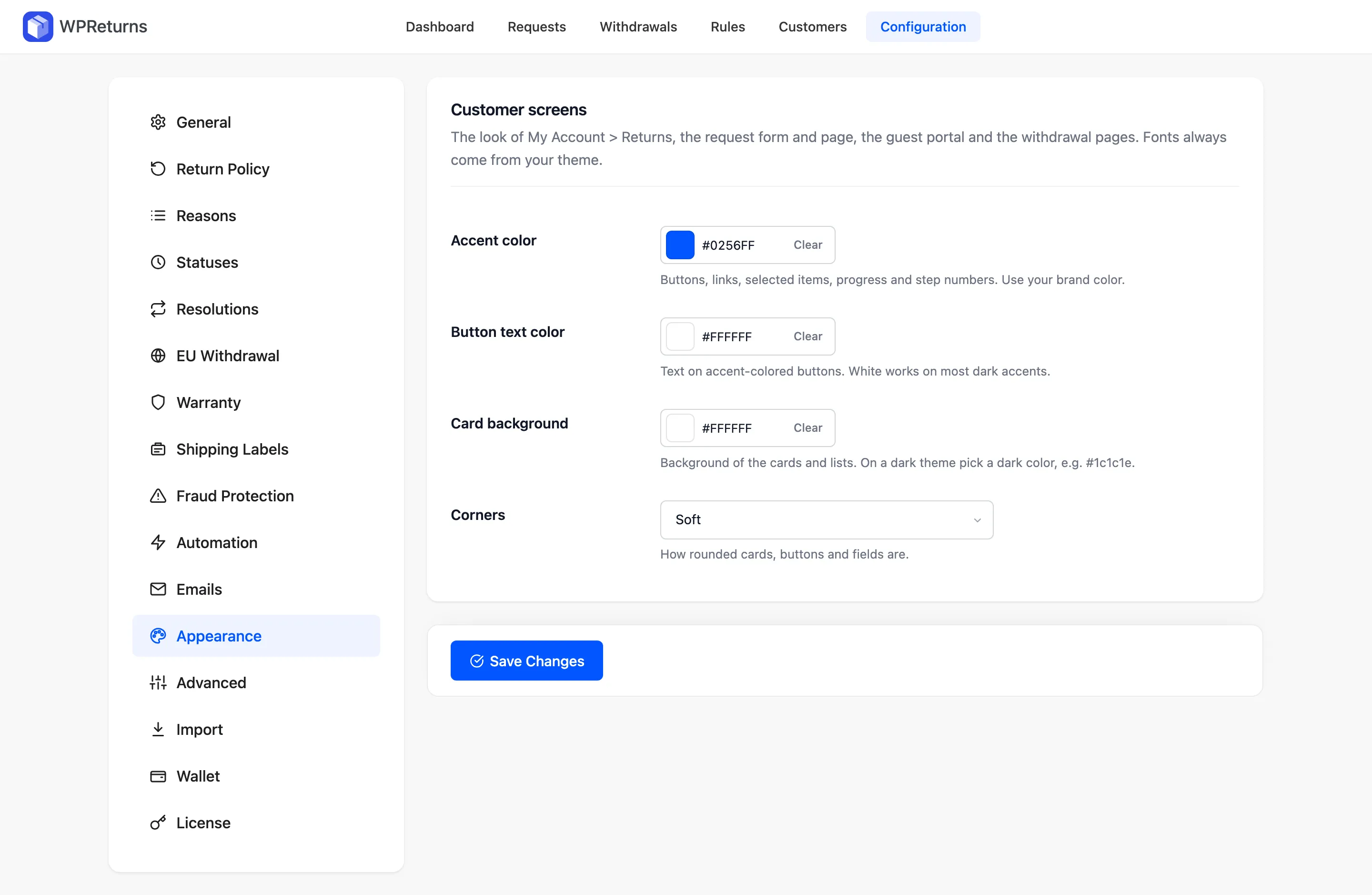
Customer screens
Section titled “Customer screens”| Field | What it does | Default |
|---|---|---|
| Accent color | Buttons, links, selected items, progress and step numbers. Use your brand color. | #0256ff |
| Button text color | Text on accent-colored buttons. White works on most dark accents. | #ffffff |
| Card background | Background of the cards and lists. On a dark theme pick a dark color, for example #1c1c1e. | #ffffff |
| Corners | How rounded cards, buttons and fields are: Sharp, Soft or Round. | Soft |
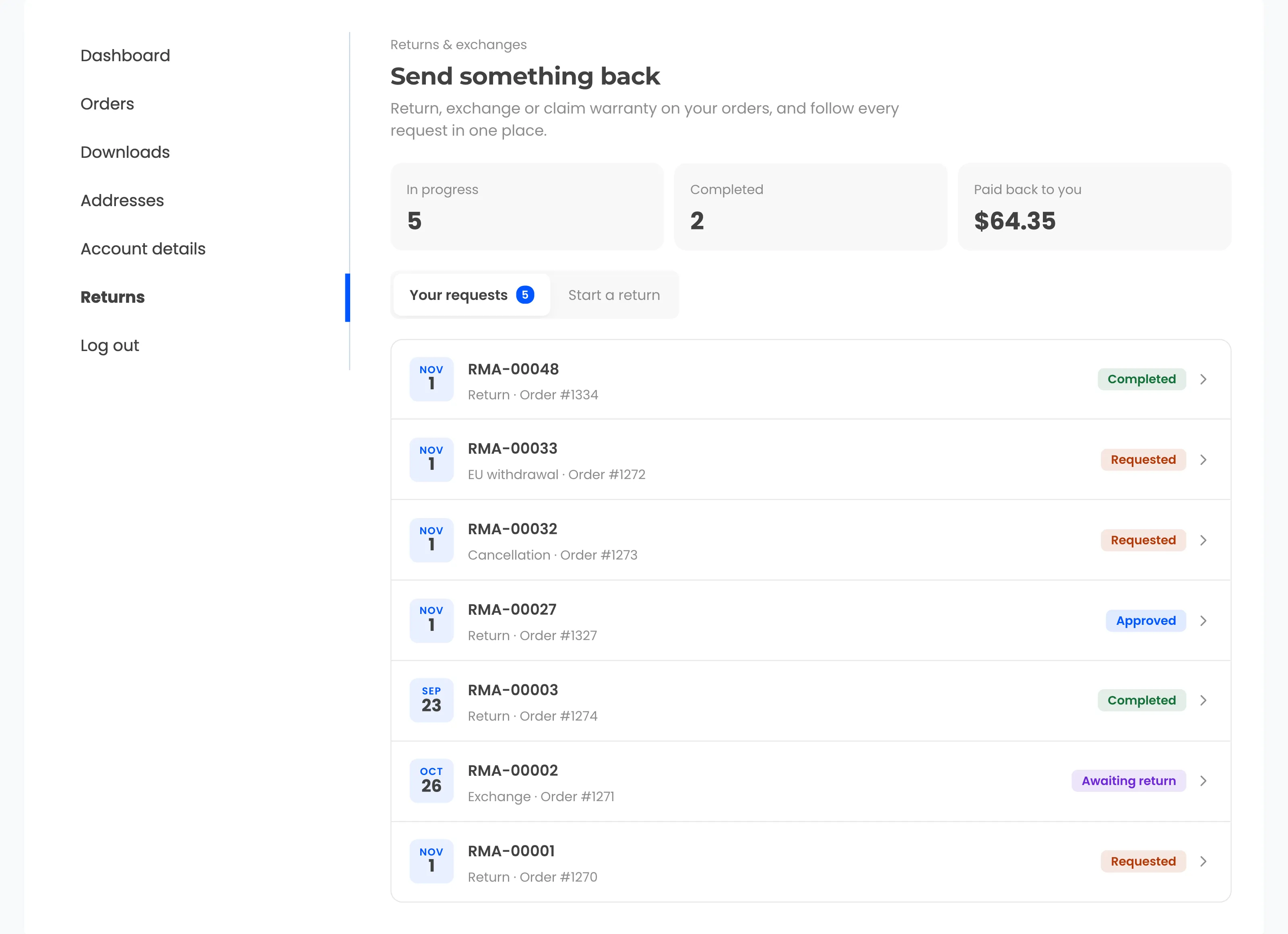
With the default blue accent, My Account > Returns looks like this.
Examples
Section titled “Examples”| Store style | Accent color | Button text color | Card background | Corners |
|---|---|---|---|---|
| Light theme, blue brand | #0256ff | #ffffff | #ffffff | Soft |
| Dark theme | #f5c518 | #111111 | #1c1c1e | Round |
| Minimal black and white | #111111 | #ffffff | #ffffff | Sharp |
For deeper changes, override the templates in your theme. See Template overrides.